The score
The score out of 100 has two parts. Sixty points come from the share of personas that reached the goal. Forty come from how few problems they met: a major note weighs half a blocker, and one blocker per persona takes this part to zero. A run where everyone reaches the goal without a blocker or a major note scores 100. Use the score to compare runs of the same panel and task, not one site with another.
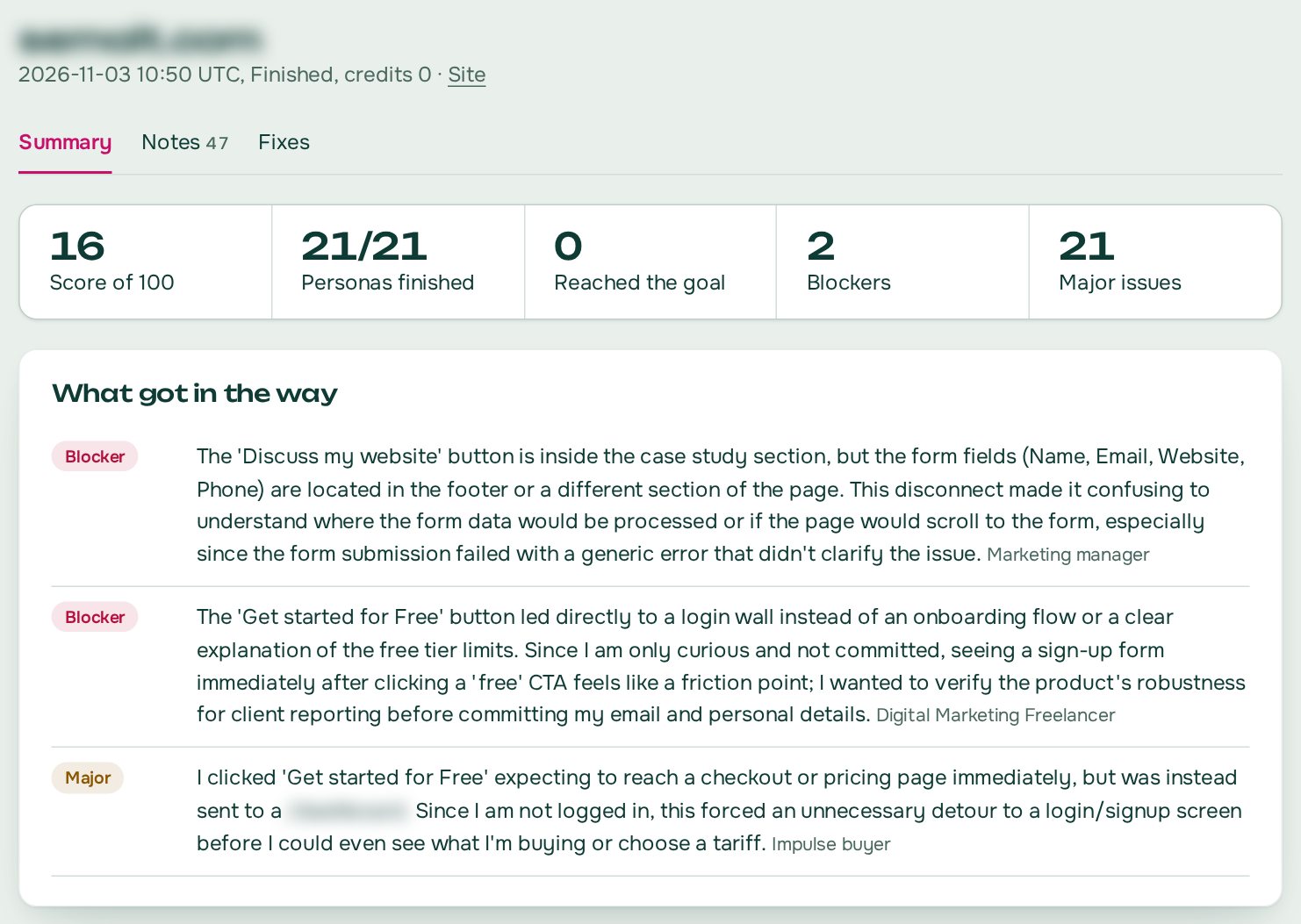
Outcomes
- Reached the goal: the persona says it did what the task asked, and a check of its screens found every part of the task done.
- Partly reached the goal: the persona says it got there, but its screens show only part of what the task asked. The report lists which parts are shown, with the words that prove them, and which are not.
- Gave up: it decided to leave, and says why.
- Ran out of steps: it was still trying when its steps ended. Many of these mean the way is too long, or something it looks for is missing.
- Stopped at a form: the test held back its third form, so the walk ended there.
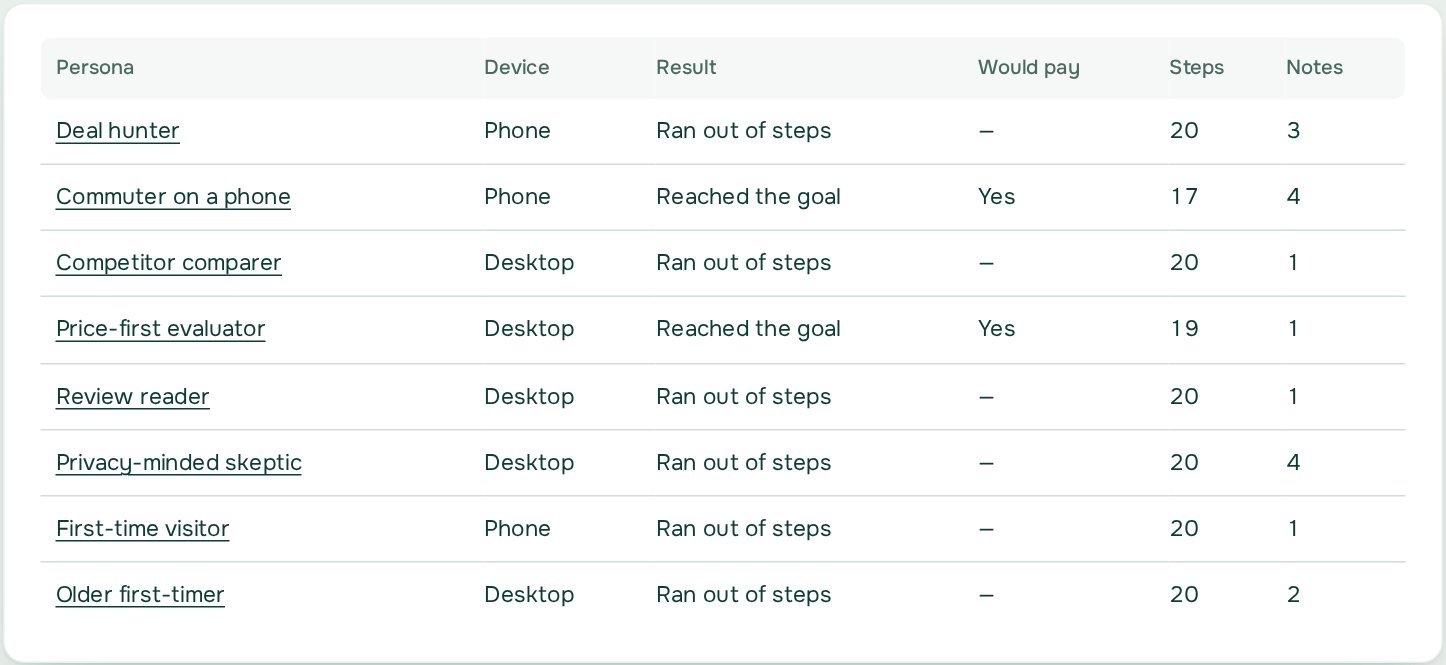
Severity
- Blocker: the persona could not go on.
- Major: it went on, but it cost time or trust.
- Minor: a small irritation.
- Praise: something that helped, worth keeping when you redesign.
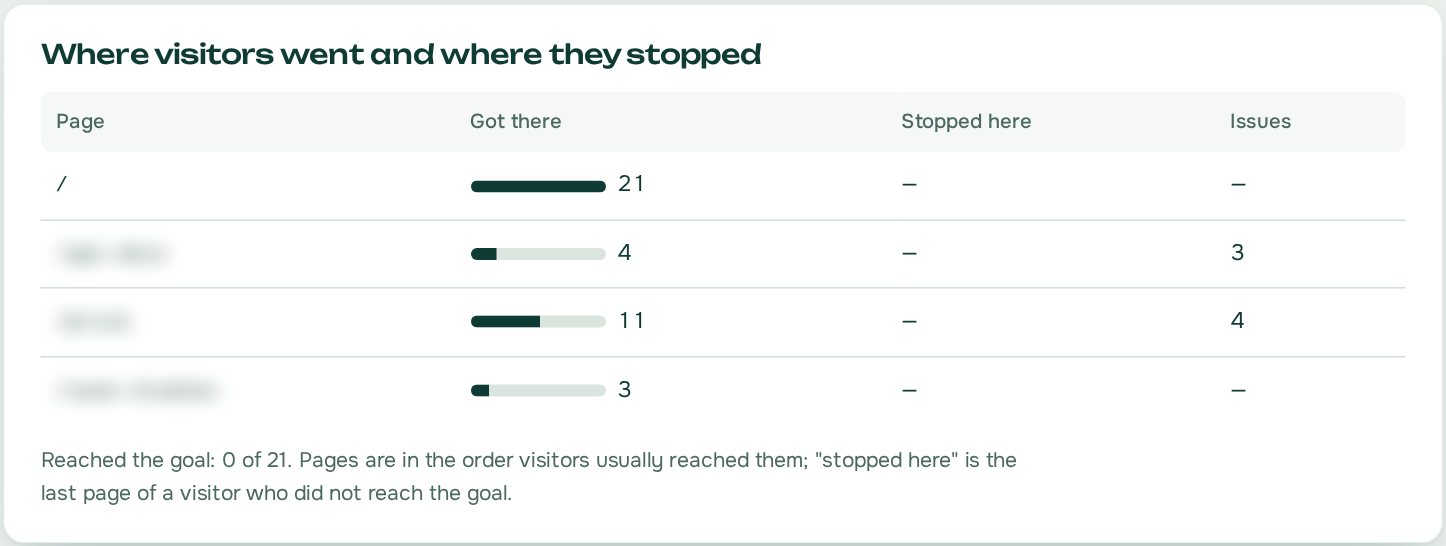
Where visitors stopped
The pages are listed in the order the personas reached them, with how many got there and who gave up on each. A page where many stop is the first place to look, even before the notes.
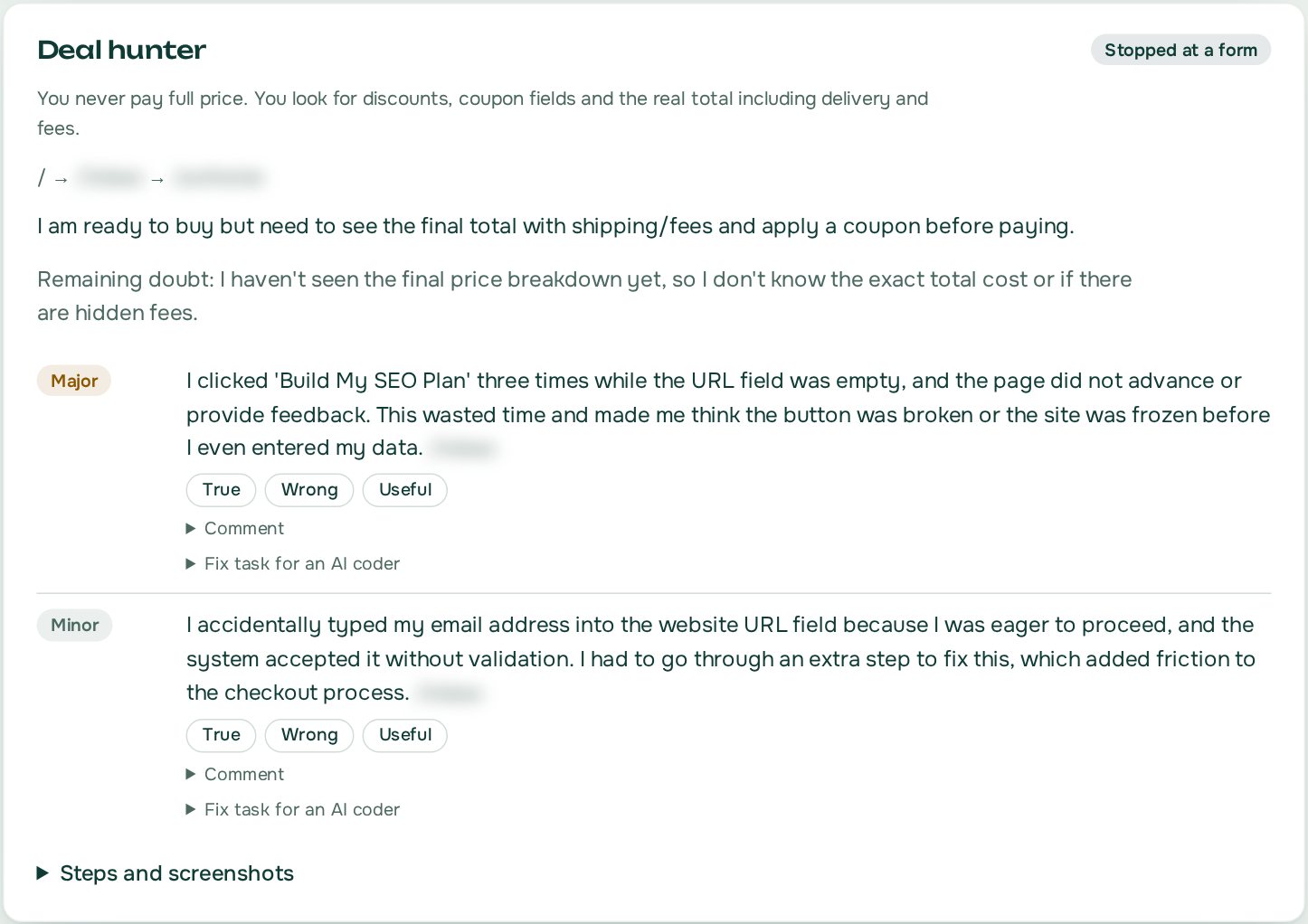
Check a note before you act
Notes are written by a language model, and some will be wrong. Each note has the page, the persona, a screenshot of every step and the persona’s thoughts along the way. Open the steps, look at the screenshot and mark the note true or wrong. Wrong notes never reach the fix file; confirmed ones go first.
Repeat after a fix
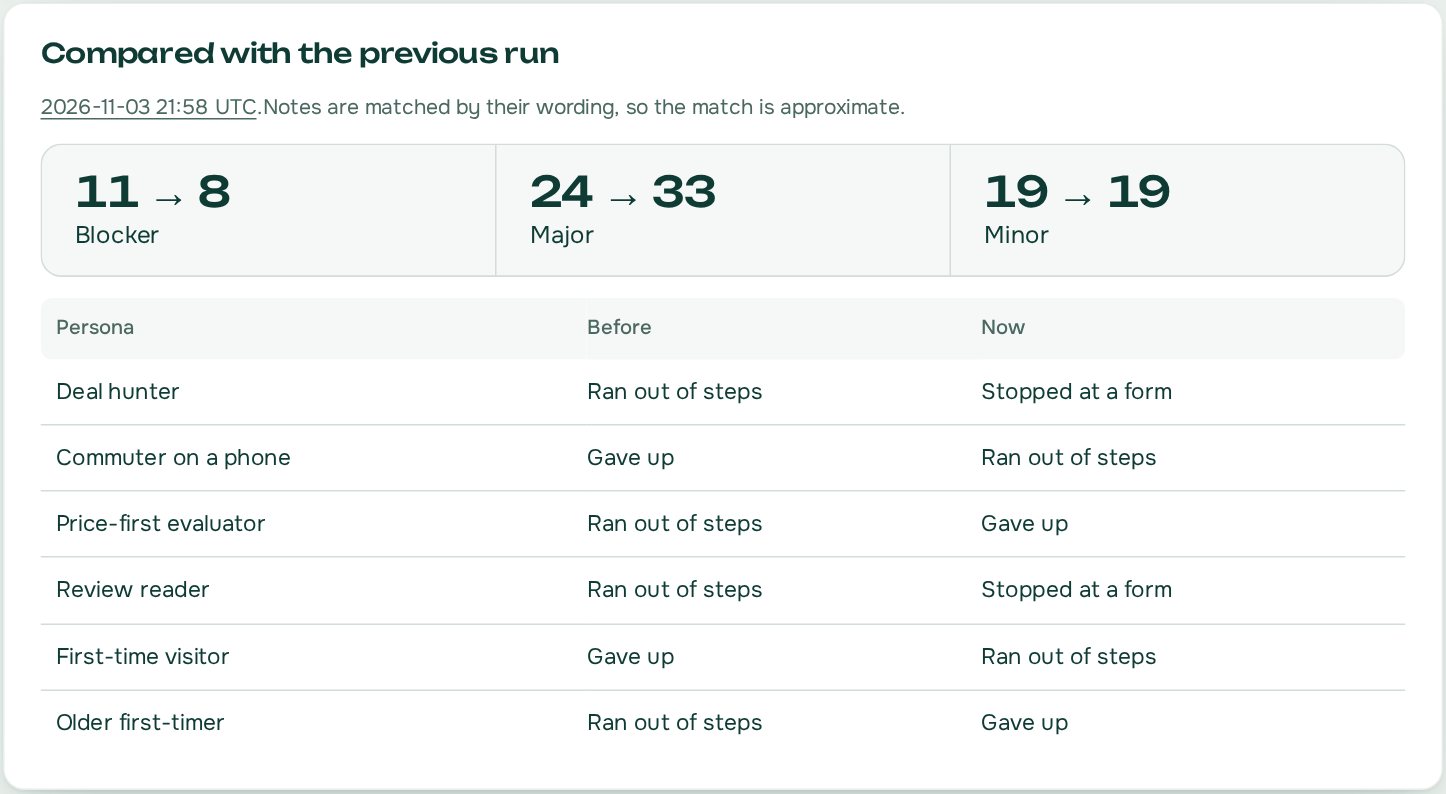
Run the same panel again after you change the site. The report shows which notes are new and which are gone, and the two scores side by side tell you whether the change helped.
Hand it to a coder
The fix file is Markdown: each problem with the visitor’s steps and how to check the fix. It is written to paste into an AI coding tool such as Cursor, Claude Code or Copilot, and it says plainly that a note may be wrong.
